Signs your website is dying
Web platforms rarely fail without warning.
Instead, they exhibit subtle indicators of technical decay long before a complete system crash occurs.
Unresponsive forms, slowing page speeds, creeping plugin errors and declining search rankings are clear signals that your underlying digital infrastructure requires attention. And recognising these warnings early allows you to fix small issues before they compromise security, user trust and business revenue… or you can just hire us to do this for you.
Slow loading times and performance degradation
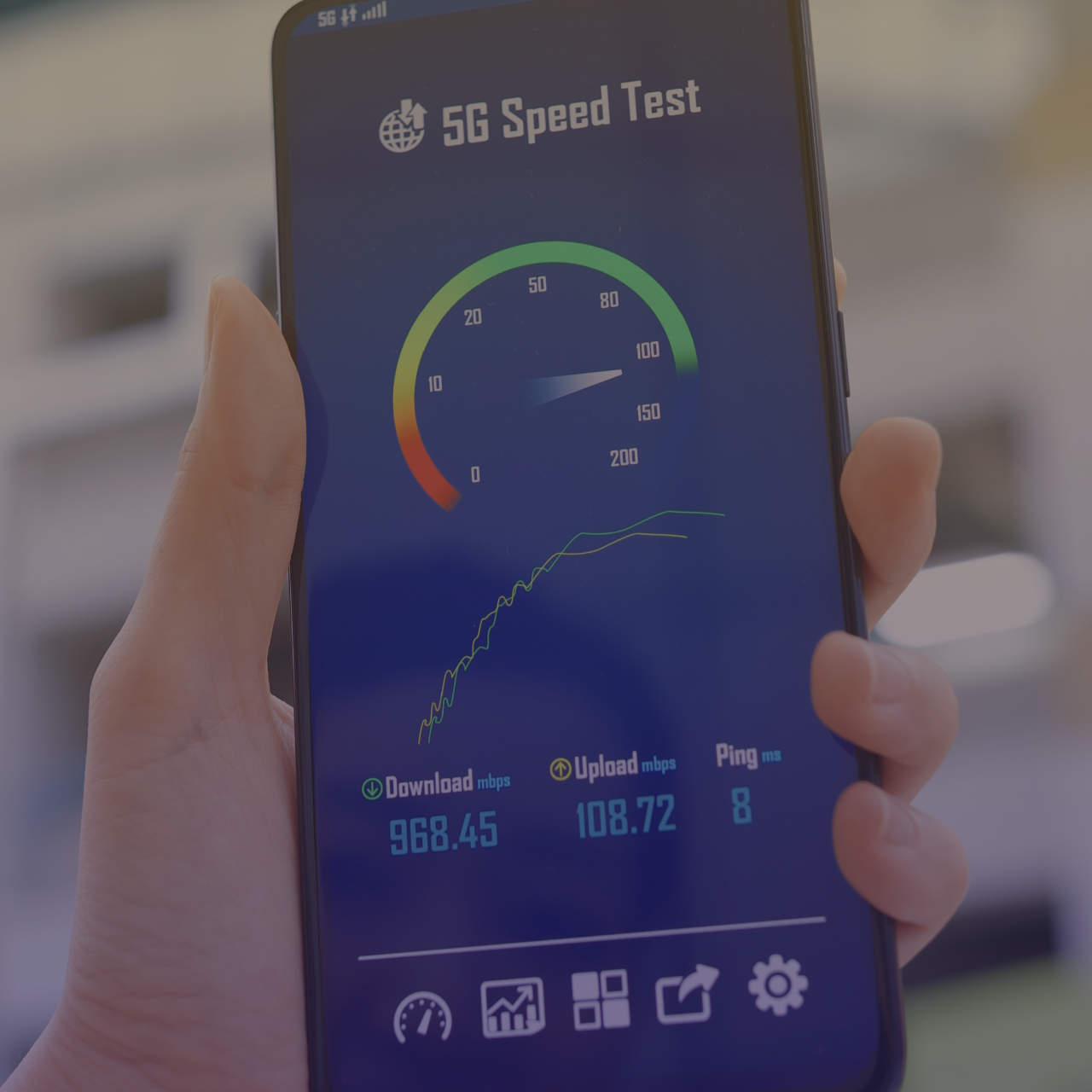
When visitors access your site, page load speeds set first impressions. If your pages take more than a few seconds to load, visitors will drop off quickly. And these performance issues often stem from underlying technical problems like:
- Unoptimised, fragmented databases processing slow, complex queries
- Outdated code and legacy framework versions struggling on modern server setups
- Large, uncompressed media files and unminified scripts blocking page rendering
Ignoring this drag lowers user engagement and triggers search engines to downgrade your rankings too.
Frequent technical glitches and plugin conflicts
Are features on your site breaking without warning? Do contact forms drop submissions, dynamic navigation menus fail on mobile or administrative dashboards display PHP errors? These issues point to software issues. Since open-source frameworks, plugins and third-party APIs update independently; unmaintained custom applications can become unstable, and patching symptoms without updating the core code creates brittle systems that fail unexpectedly.

Declining organic search rankings
If your search traffic declines consistently despite publishing fresh content, your site may have technical debt. Search engine algorithms penalise platforms that suffer from high bounce rates, slow load speeds, unencrypted pages or broken page structures. In worse cases, an undetected security breach or script injection can lead search engines to blacklist your site entirely, displaying security warnings that turn visitors away. This can torpedo your sales overnight.
Administrative friction and security vulnerabilities
Lastly, your website should be simple for your internal team to manage. If uploading a simple post, updating product details or managing user permissions leads to database errors or broken pages, they’ll give up on keeping it updated. Similarly, an uptick in spam submissions, unexpected user registrations or security alerts likely indicates that automated bots are exploiting unpatched vulnerabilities. And leaving these security gaps open increases the risk of serious data loss or regulatory fines.
Why modernising matters
A struggling website harms your reputation and hurts your bottom line. Whereas addressing technical maintenance proactively restores system stability, strengthens security and delivers a smooth user experience.
Check out our support and maintenance services page for more.